CDQ All Time Right is an enterprise SaaS solution that safeguards the integrity of your business partner data. It combines external data intelligence, advanced matching, and compliance screening to ensure every customer and vendor record is accurate, verified, and risk-checked. Within the platform, CDQ AML Guard provides sanctions screening capabilities, allowing companies to verify partners against global sanctions lists using trusted external data and advanced entity matching. This ensures transparent, audit-ready compliance checks

Experience CDQ All Time Right - data insights in minutes
Start your 30 days free trial today. No credit card required. Clean&trust business data to try.
Get value fast
- Data source lookups - access trusted external business data results in real time.
- Sanctions screening results in AML Guard- see how entities are matched against global sanctions lists.
- Transparent scoring & matching logic - understand how CDQ evaluates and enriches records.
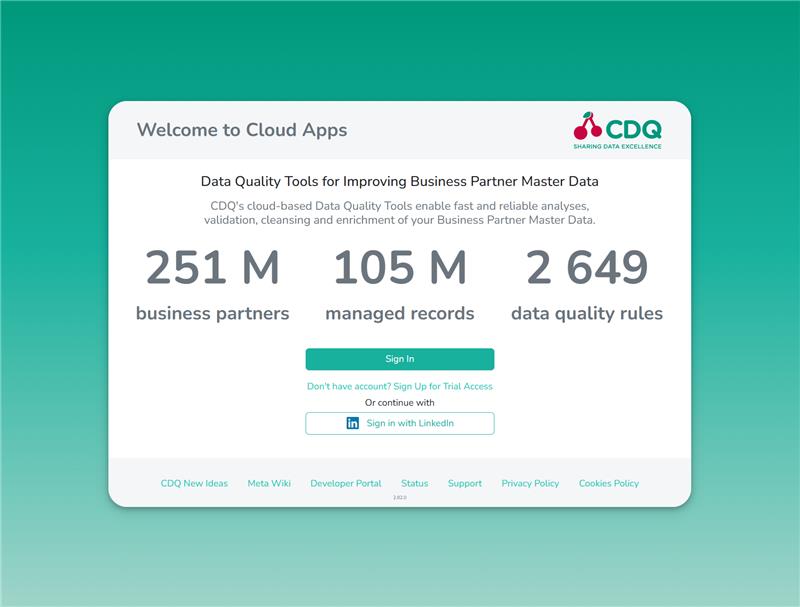
Give it a try now: CDQ Free Trial
See how simple it is to test CDQ capabilities for yourself!
Register
Register using business email or LinkedIn account
Verify
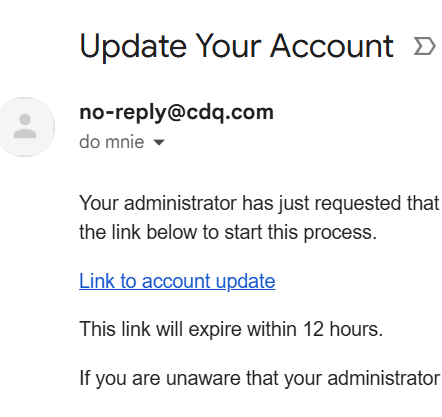
Check your inbox and activate your CDQ Trial account
Start
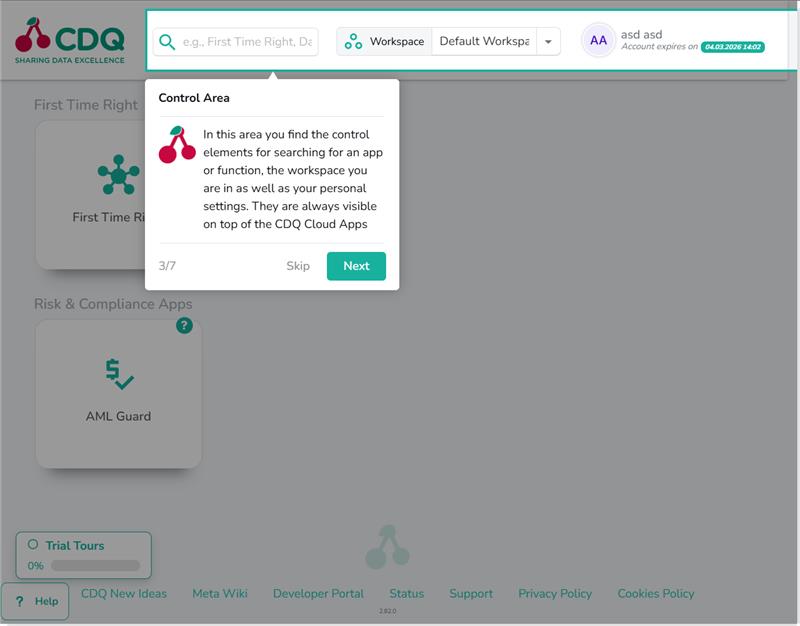
Watch the Trial Tours and start using CDQ All Time Right